
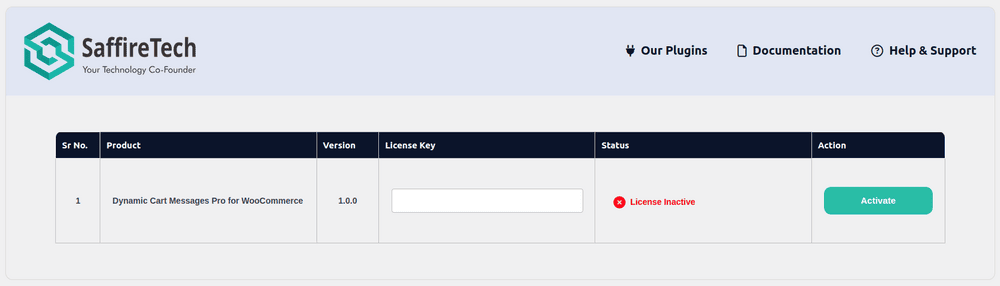
- Navigate Plugins > Activate Licence Key.
- Find your license key in the Purchase Receipt sent to your email or you can retrieve it from, My Account >
- Purchase History > View Licenses on the SaffireTech website.
- Enter Your license key in the license key field.
- Click Activate License.
- You will find the validity of your license below.