
Frequently Bought Together (FBT) allows you to recommend related courses or products during checkout to increase sales and offer more value to your customers. But before you can use FBT, you need to make sure your LearnDash courses are properly linked to their corresponding products in WooCommerce or Easy Digital Downloads (EDD). This ensures that when someone buys a product, they get access to the correct course automatically.
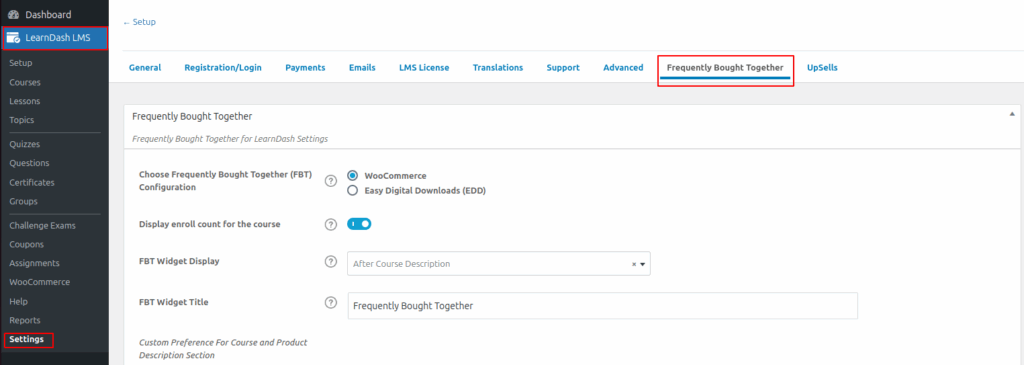
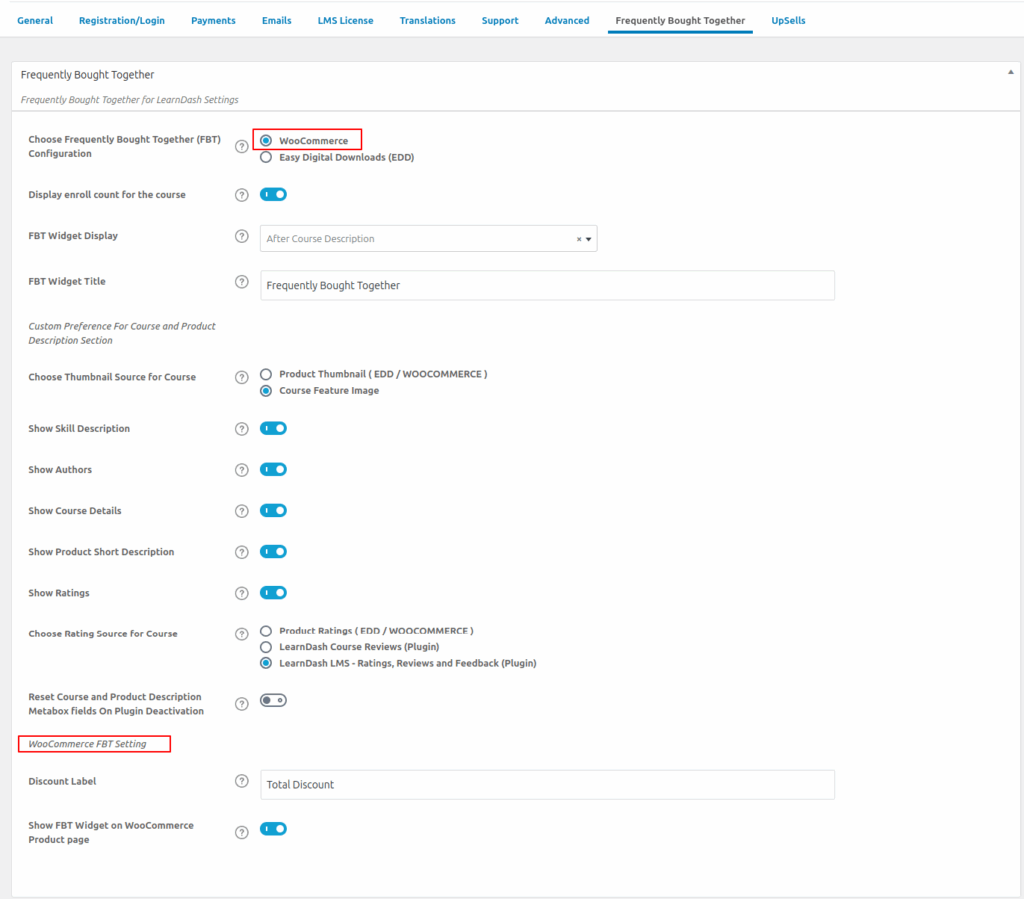
Before you can set Frequently Bought Together for your courses, please make sure that LearnDash courses are linked correctly with their corresponding products listing in WooCommerce or Downloads listing in Easy Digital Download(EDD). Follow the steps below to complete this setup and avoid the warning.
For WooCommerce
- Go to Product > All Products > Create A Product.
- Now in the Product data meta box select product type as course
- Now in LearnDash Courses multi-select box select only one-course name that wants to link the current product and update that product
For Easy Digital Downloads (EDD)
- Go to Downloads > Downloads > Create a Product.
- Now in LearnDash Meta box in courses settings select one LearnDash course that you want to be linked with current product