
Upgrading your plugin license is easy:
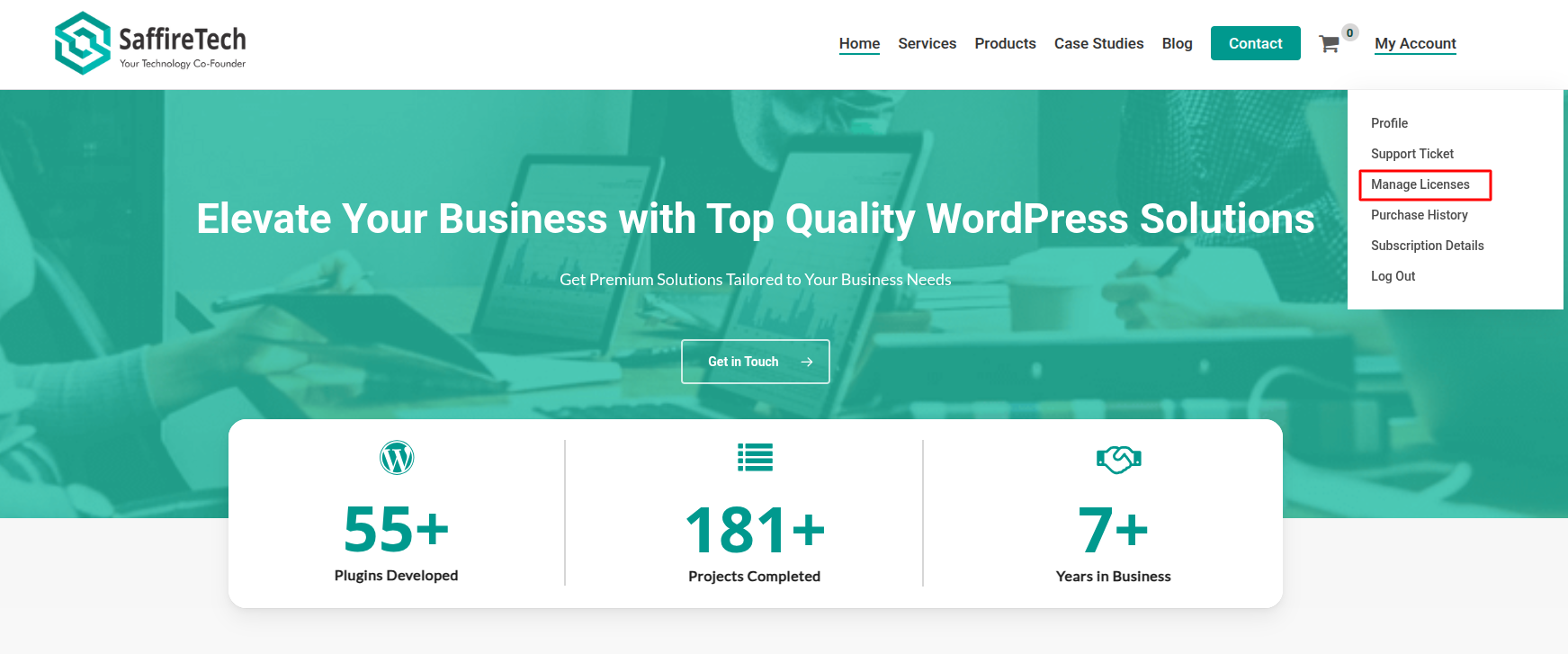
- Click on My Account at the top right corner.
- Click the Manage License tab.
- In the license table, you’ll see an “View Upgrades” next to your current license.
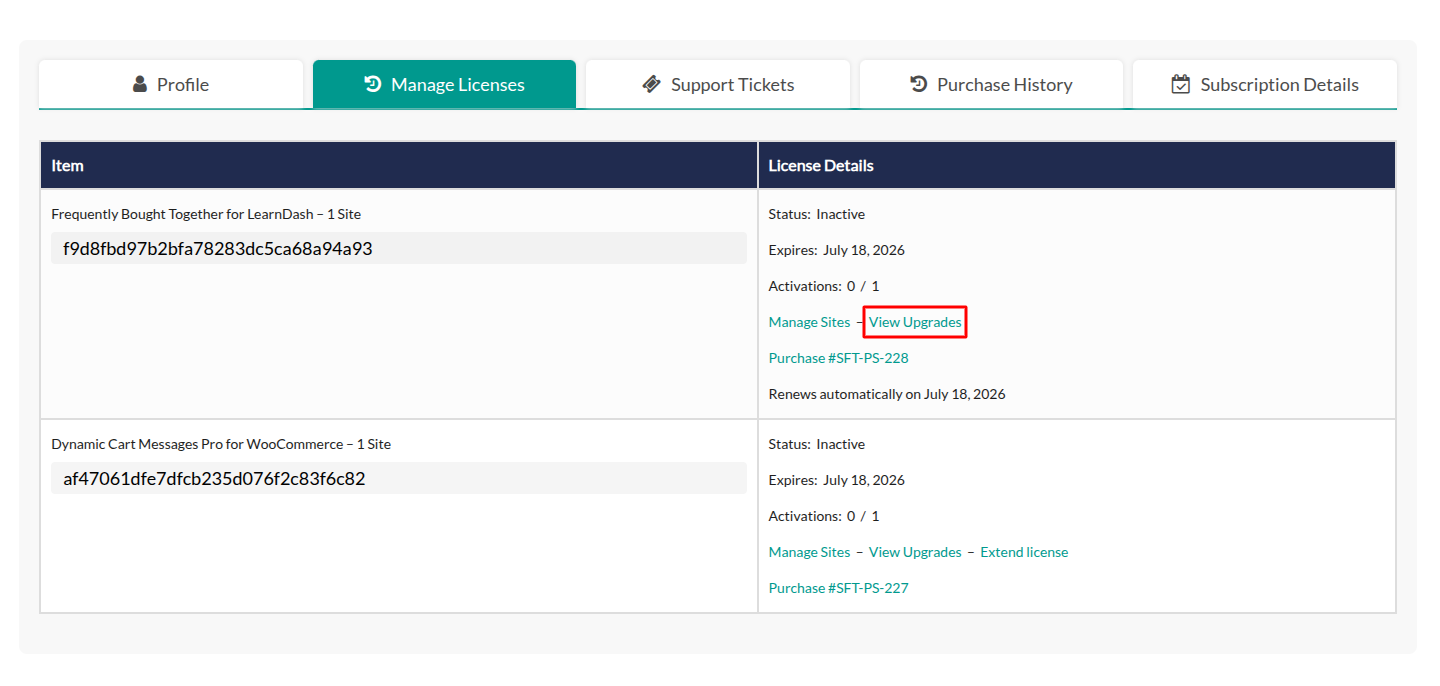
- Click it to view available upgrade options.
- Select Upgrade License to add the upgrade to your cart and complete the checkout.
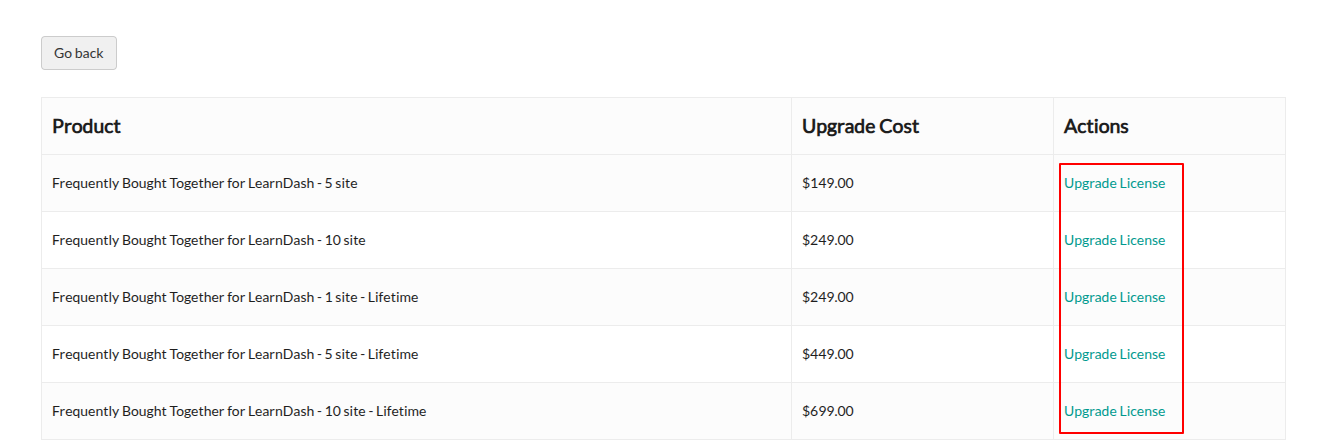
That’s it — your license will be upgraded after purchase.