
You can set rules based on three types: Simple, Price-based, or Quantity-based. This flexibility enables you to tailor your approach to boost sales effectively.
These settings are found in Tab 1: Message Configuration, under the Message Type & Cart Message Criteria section.
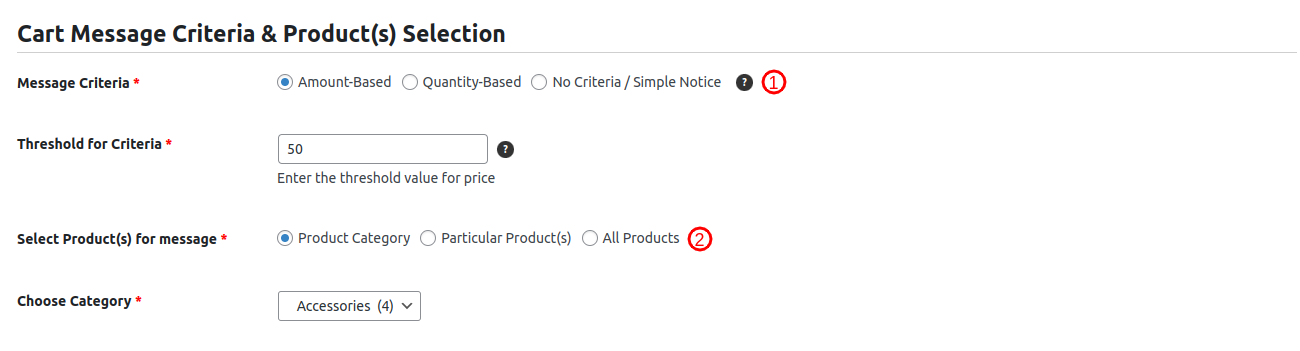
Types of Rules:
- Simple Message: A static message that displays regardless of cart value or item quantity. No threshold is required.
- Amount-Based Message: Displays messages that dynamically respond to the cart total amount.
Example: “Add $40 more to get free shipping!” - Quantity-Based Message Displays messages that change based on the number of items in the cart.
Example: “Add 9 more items to unlock a 20% discount!”
Set up the remaining configurations and then publish the cart message to make it visible on the cart page.
Additional Rule Criteria You Can Set for Message Display: Product Category, Particular Product(s), or All Products.. Check here for details.