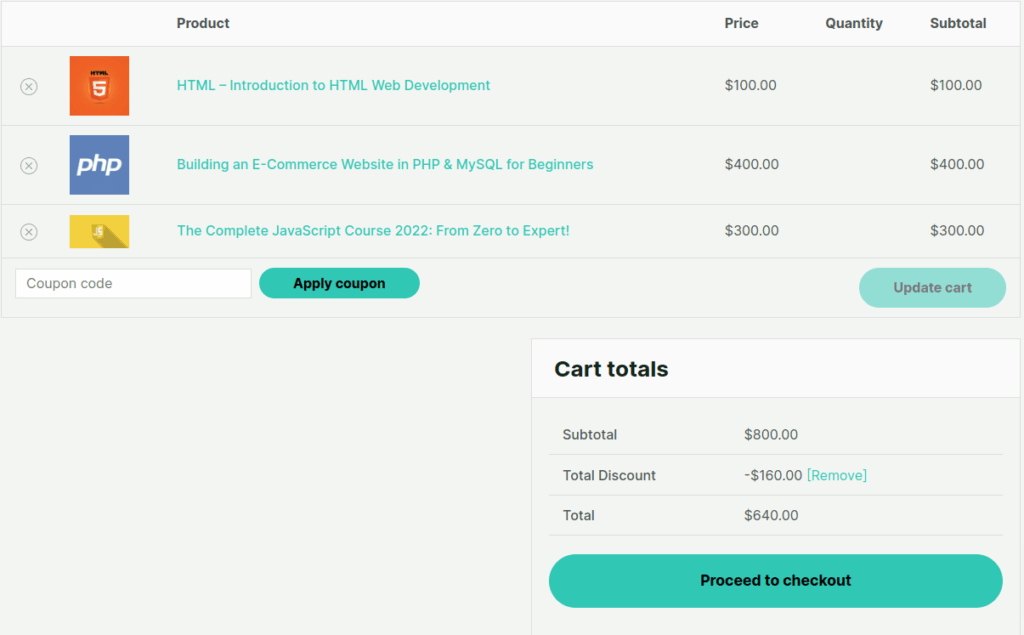
This setting field lets you control the display of the Frequently Bought Together (FBT) widget on product pages for products associated with a course. It allows you to display recommended items alongside the main product, helping users discover related offerings.

Show FBT Widget on WooCommerce Product page
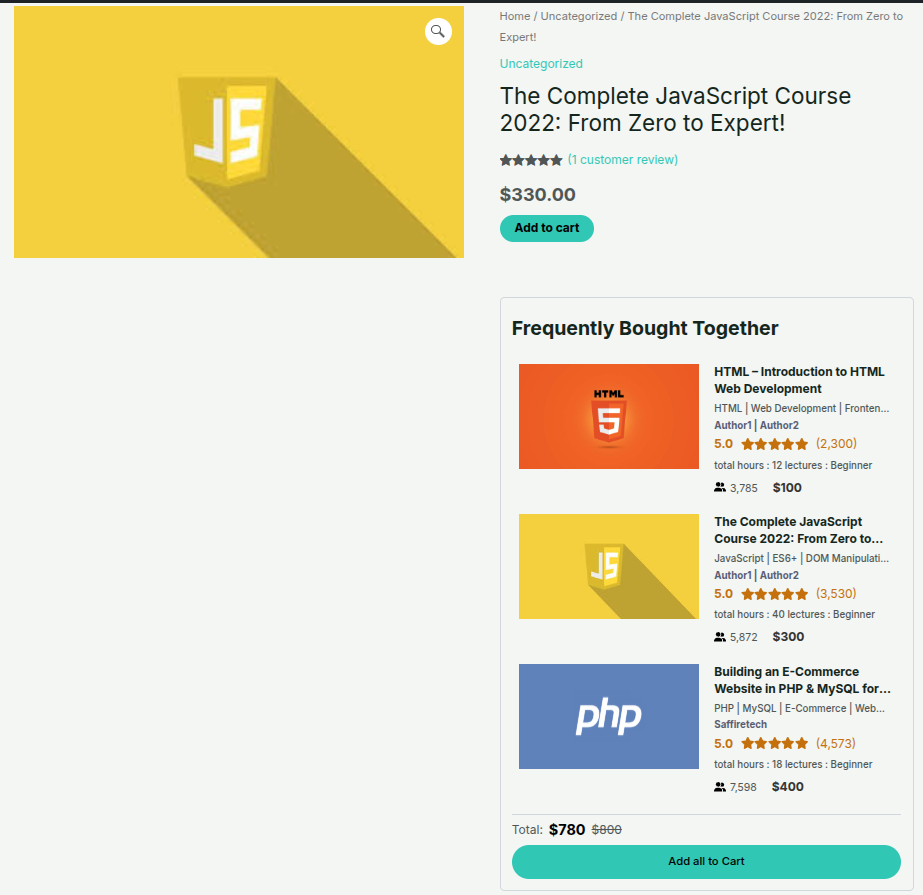
If you enable this setting, FBT widget will also show up on the corresponding WooCommerce product page that is associated with your LearnDash course.
This layout shows how the Frequently Bought Together (FBT) widget is integrated into a WooCommerce product page. It highlights related or course-linked products beside the main product, allowing users to view details, pricing, and easily add all items to the cart.
Discount Label
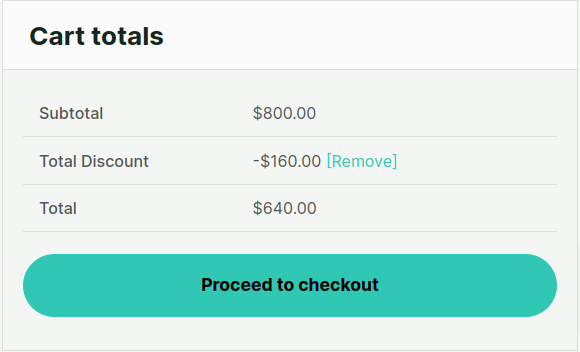
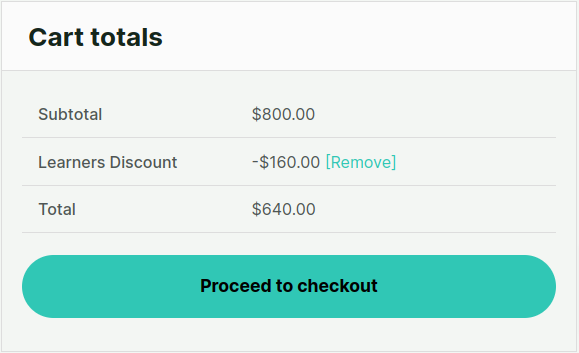
You can choose the label for the discount in woocommerce cart the default Discount label is Total Discount you can change this label as per your liking eg Learners Discount (This is available only with WooCommerce)